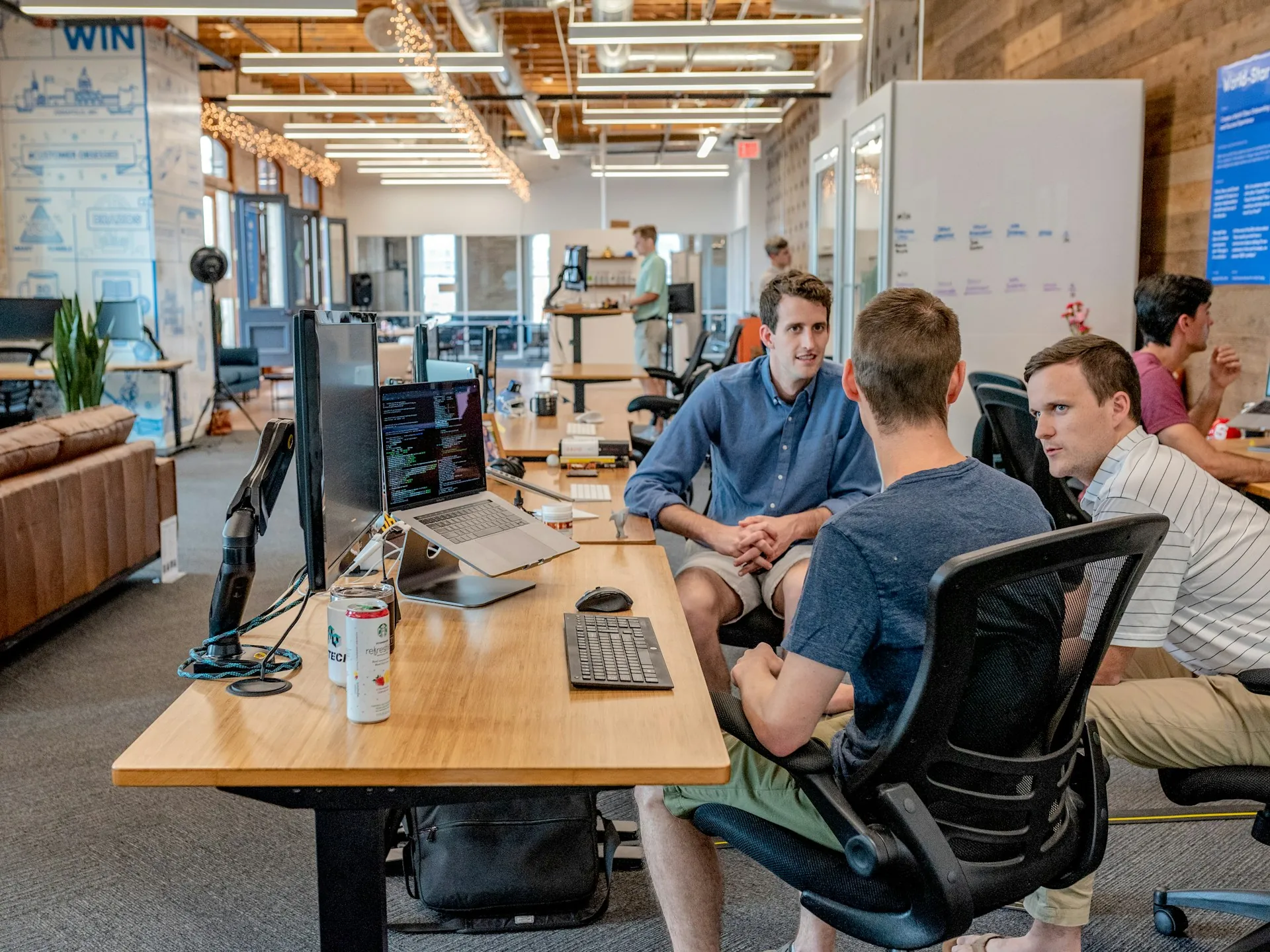
Figure 1.1: Every workflow step classified as automate-fully, assist, or keep-human before any code is written.
Not every repetitive task is worth automating with AI, and treating every workflow as an automation candidate wastes engineering time on low-value wins. We start every AI automation engagement with a scoping exercise, not a build.
The best automation candidates share three traits: high volume, clear success criteria, and low consequence for an occasional error caught downstream.
Workflows with high stakes and ambiguous judgment calls stay human-led, with AI assisting rather than deciding.
It's also worth naming what doesn't belong on this list: anything where a wrong output carries legal, financial, or safety consequences that can't be caught downstream belongs with a human in the loop for the foreseeable future, regardless of how good the underlying model gets.
“The goal isn’t removing humans from the workflow. It’s removing the parts of the workflow that never needed a human in the first place.”
We map the existing workflow step by step before writing any automation logic, identifying exactly which steps are mechanical and safe to automate fully, and which require judgment.
This mapping exercise alone often reveals redundant steps that can be eliminated regardless of automation.
We design every automation with an explicit shadow-mode phase before it goes live, running the automation in parallel with the existing manual process, generating outputs that get logged and compared against what a human actually did, but never taking real action. This lets a team build genuine confidence in an automation's accuracy against real production data before any risk is introduced, and it consistently surfaces edge cases in the first two weeks that would otherwise only appear months into live operation.
Automation is only useful if it plugs into the systems your team already works in. We build integrations against your existing CRM, ERP, or internal tools as part of our broader engineering services, rather than asking teams to adopt a new interface.
The best automation is invisible, the work just gets done faster, in the same tools people already use.
Version control applies to automation logic exactly the way it applies to application code, every threshold, every routing rule, every prompt used in an automated decision is stored in git with a clear change history, so when a business rule changes six months after launch, the update is a reviewed pull request rather than an undocumented tweak nobody remembers making when something unexpected happens downstream.

For a distribution company, we automated invoice matching against purchase orders, a task that consumed roughly 30 hours a week across the finance team. The automated system now handles most of matches automatically and flags the rest with a clear reason for the mismatch.
In every project, we measure success in hours returned to the team, not just tasks technically automated.
A property management company automated the triage of maintenance requests submitted through a resident portal, reading free-text descriptions, classifying urgency, and routing to the right vendor category. What used to require a property manager reading and re-typing every request into a ticketing system now happens automatically within seconds of submission, and average time-to-vendor-assignment dropped from same-day to under ten minutes.
Automation that runs unmonitored eventually drifts from what the business actually needs. We build dashboards that show automation performance in plain business terms, and every automated workflow ships with a manual override.
This is what makes automation something operations teams trust enough to rely on daily, not something they quietly work around.
We track a specific metric on every automation we ship: the 'silent failure rate', cases where the automation produced an output without flagging low confidence, but a human reviewer later found it was wrong. Driving this number toward zero, rather than just optimizing for volume automated, is what keeps an automation trustworthy months after launch.
A mistake we see teams make repeatedly is automating a workflow before fixing an obviously broken process buried inside it, automation makes a good process faster, but it also makes a bad process fail faster and at greater scale. Before any automation logic gets written, we walk through the target workflow explicitly looking for steps that exist purely for historical reasons, approvals nobody remembers the rationale for, and data re-entry that could be eliminated entirely rather than automated. More than one engagement has ended up delivering more value from that cleanup step alone than from the automation that followed it.
The highest-ROI AI automation isn’t the most technically impressive, it’s the one scoped correctly, integrated into existing systems, and monitored well enough that the team trusts it.
If you have a workflow that feels like it should be automatable but previous attempts stalled, that’s usually a scoping or integration problem, and it’s the first thing we look at.
Automation programs that stall usually share one root cause: nobody owns the automation after launch. We recommend naming a single internal owner before kickoff, someone who reviews the exception queue weekly and has authority to adjust thresholds, because automation that nobody watches slowly drifts out of sync with a changing business.
As an ai automation company, our first conversation with any client is about ROI, not technology. A workflow consuming 30 hours a week of manual effort has a very different payback calculation than one consuming 3.
Where legacy RPA breaks on the first edge case, ai workflow automation absorbs format changes and ambiguous input, which is why most of our automation engagements now use AI-native automation from the start rather than bolting AI onto an existing RPA script.
Every automation engagement starts with a workflow audit conducted alongside the team currently doing the work, not just their manager, the people closest to a process usually know exactly where the real edge cases live. We build the automation in shadow mode first, running it in parallel with the manual process without taking real action, until accuracy against real production data meets an agreed threshold. Only then does the automation go live, initially with a human-review step on every output that gradually relaxes as trust in the system builds through demonstrated accuracy.