WordPress to Headless Migration
A Next.js front end with WordPress kept as the editing experience your team knows, migrated with URL parity verified rather than hoped for.
Keep the editor, replace the renderer
The usual reason to go headless is performance and the usual fear is losing the editing experience. Both are addressable, because the two halves of WordPress are separable: the admin and content model that editors know, and the PHP theme rendering that is causing the performance problem.
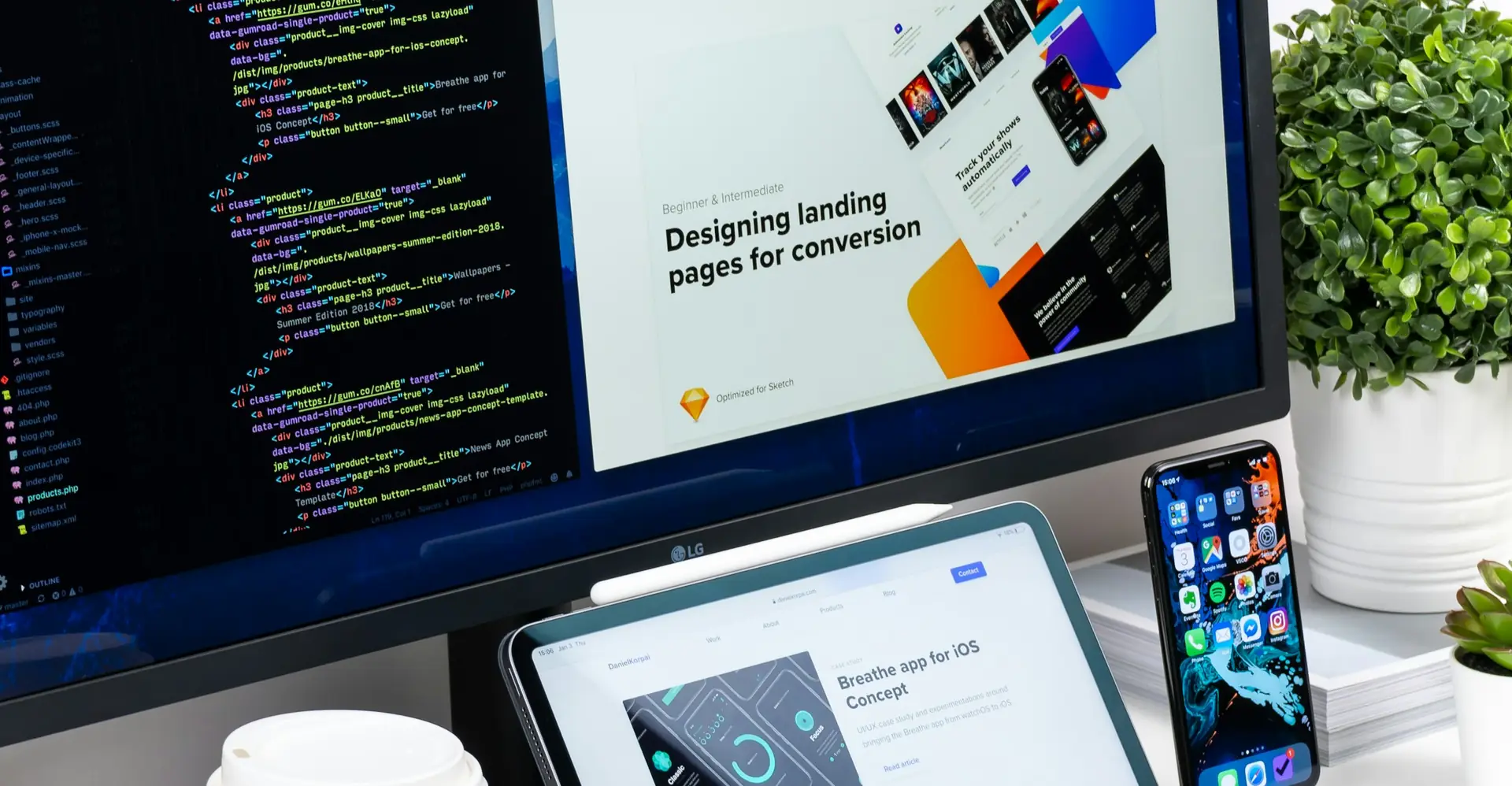
We keep the first and replace the second. Editors continue in the interface they are trained on, with their custom fields and workflows intact. Pages are rendered by Next.js from the WordPress REST or GraphQL API, statically generated where possible and revalidated on publish.
The genuinely risky part is SEO, and it is risky in a boring way: URL structure, redirects, metadata and structured data. Miss a pattern and rankings drop for content that never changed. Our headless migration guide covers how we verify that.
Teams that start here often pair it with Drupal to headless migration, web app development and WordPress to Shopify migration.
Nobody loses rankings because they went headless. They lose rankings because a URL pattern was missed and nobody checked before the switch.

Where headless migrations go wrong
Four failures that turn a performance win into a traffic loss.
Pagination, category archives, attachment pages and date archives are forgotten, so a long tail of URLs 404s after cutover.
Yoast or RankMath fields are not carried into the new front end, so titles, descriptions and canonicals silently change site-wide.
Editors cannot see drafts before publishing, so they stop trusting the new setup and start asking for the theme back.
No revalidation on publish, so an urgent correction sits behind a cache for hours and nobody can explain why.
What a headless migration covers
Performance gained without trading away editing or search traffic.
Every post type, taxonomy, custom field and URL pattern inventoried, including the ones only one editor remembers.
A complete mapping with permanent redirects for anything that must change, verified against your actual crawl data.
Titles, descriptions, canonicals, structured data, sitemaps and robots directives ported and diffed page by page.
Draft preview and scheduled publishing working from day one, because editors abandon a system they cannot preview in.
Static generation with on-publish revalidation, so pages are fast and corrections still appear immediately.
Core Web Vitals thresholds enforced in CI so the speed gain does not erode over the following year.
From content audit to cutover through controlled rollout
Both systems live in parallel until the crawl says it is safe.
Post types, fields, URL patterns and current search performance catalogued as the baseline to protect.
Next.js implementation of templates with the design preserved, rendering from the WordPress API.
Automated comparison of metadata and structured data between old and new for every URL.
The new front end served on a staging domain and crawled, with every difference triaged.
DNS switch with redirects live, followed by crawl and rankings monitoring for the following weeks.
The stack behind our headless builds
WordPress where it is good, Next.js where it is better.
WordPress retained for editing, exposed through a typed API rather than rendering pages.
Static generation with on-demand revalidation, so pages are fast and still current.
Metadata and structured data ported and verified programmatically rather than by sampling.
Edge caching with instant invalidation on publish.
What this looks like in production
Forty thousand URLs and no ranking loss
A publisher with forty thousand articles was losing mobile traffic to slow page loads. Their theme had accumulated a decade of plugins, and the largest contentful paint on mobile was over six seconds.
The audit found four URL patterns nobody had documented, including an old date-based archive still receiving meaningful search traffic. Missing those would have scope more traffic than the performance work gained.
We ran both systems in parallel for three weeks, crawling the staging front end and diffing metadata for every URL. Cutover was a DNS change, and rankings held.
What a headless WordPress migration partner must verify
We diff metadata and structured data for every URL between old and new before cutover, because spot-checking a hundred pages out of forty thousand proves nothing.
We move one slice at a time behind a router, with both systems live, so every step is small and every step is reversible.
A working demo and a written note every Friday covering what shipped, what slipped and what it means for the date. No status theatre.
Nothing goes live in one jump. We run in parallel or behind a flag until the numbers say it is safe to switch over.